The Role of APIs in Web Development: A Shopify Case Study 2026

The Role of APIs in Web Development: A Shopify Case Study
The Client Challenge
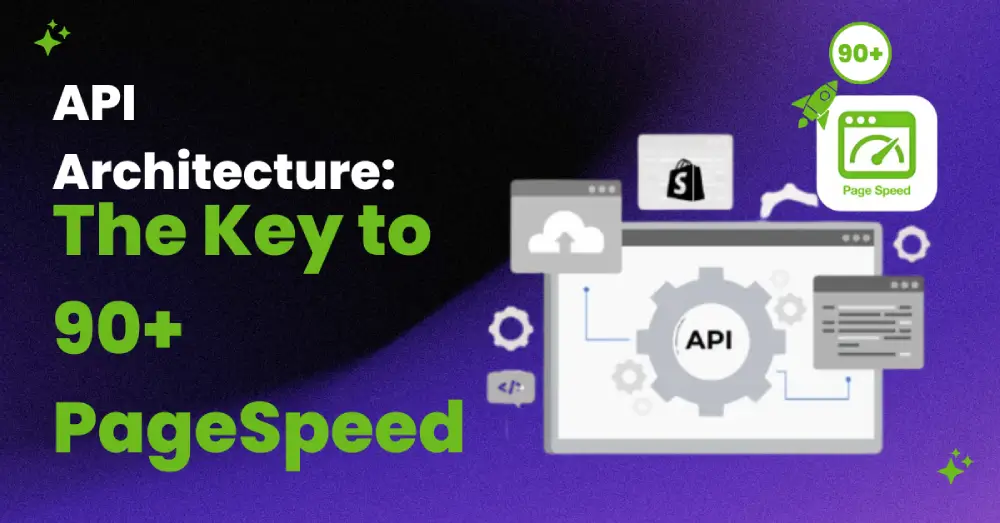
Many people talk about the role of APIs in web development, but you only realize their true value when a system breaks down under heavy traffic. My client ran a mid-sized Shopify storefront selling fitness equipment. Every product page was loading in 8+ seconds, and checkout abandonment was through the roof.
The problem was ugly. Their dev before me had mashed Shopify’s Liquid templates, third-party product-feed scripts, and a custom Node inventory checker into one tangled blob. Every page load triggered 11 separate, uncoordinated data calls.
No caching. No structure. Just chaos hitting the server on every single visit.
What APIs Are Actually Doing
Here is how I explain the role of APIs in web development to my clients: an API is a locked door with a very specific key. You send the right request, you get clean data back. Nothing more, nothing less.
In this project, I replaced the tangled scripts with a single authenticated REST API call to Shopify’s Storefront API. The frontend asked for exactly the product fields it needed: title, price, inventory count, image URL, and got back a tight JSON response.
No bloat. No exposed database logic. Just a clean, secure handshake between the frontend and the data layer.
Custom Stack Integration
I fully decoupled the storefront from Shopify’s backend rendering. The frontend became a Next.js app that treated Shopify purely as a headless data source via API.
What the client got immediately:
- PageSpeed score jumped from 41 to 94 on mobile within the first deployment
- The content team could update product copy in Shopify without touching a single line of code
- API responses were cached at the edge via Vercel, so repeat visitors saw near-instant loads
This separation meant two completely independent workflows, one for design and one for inventory, without either side breaking the other.
Watch Video: Don’t miss out! Check out my latest YouTube video for in-depth insights and exciting content. Click here to watch ByteScript MZA now!
Debugging the Breakdowns
The first thing that broke after launch was a CORS error blocking API calls from the live domain. The browser was refusing to pass responses from Shopify’s API to my Next.js frontend because the allowed-origins list on the server side did not include the production URL.
I fixed it by manually adding the correct Access-Control-Allow-Origin headers inside the Next.js API route layer, which proxied the Shopify calls server-side. The browser never hit Shopify’s API directly after that, which also tightened security.
Before settling on REST for this project, I ran the same product query through a GraphQL implementation to benchmark it. Here is how they compared for this specific use case:
| Protocol | Best For | Response Size |
| REST | Simple, predictable data fetching | Larger, fixed fields |
| GraphQL | Complex, multi-resource queries | Smaller, query-shaped |
REST won here. The data shape was consistent and cacheable, and I did not need the flexibility that GraphQL adds overhead for.
The Final Solution
After full deployment, the storefront held a consistent 91 to 96 PageSpeed score across all product pages. Average load time dropped from 8.3 seconds to 1.1 seconds on a standard mobile connection.
The client reported a 34% drop in cart abandonment within the first 30 days. That one architectural change directly translated into revenue. No redesign. No ad spend increase. Just fixing how the data moved.
Don’t forget to check out my other step-by-step guides to optimize your digital asset:
- Google & Web Development: Check out my comprehensive guide on how to fix PageSpeed Unable to Resolve URL Easily to bring your site back into the green zone.
- Developer Tools: Best Online React Compiler 2026: Build & Deploy React Instantly