Google Wallet 2026: Ultimate Guide to Secure Digital Payments

Google Wallet 2026
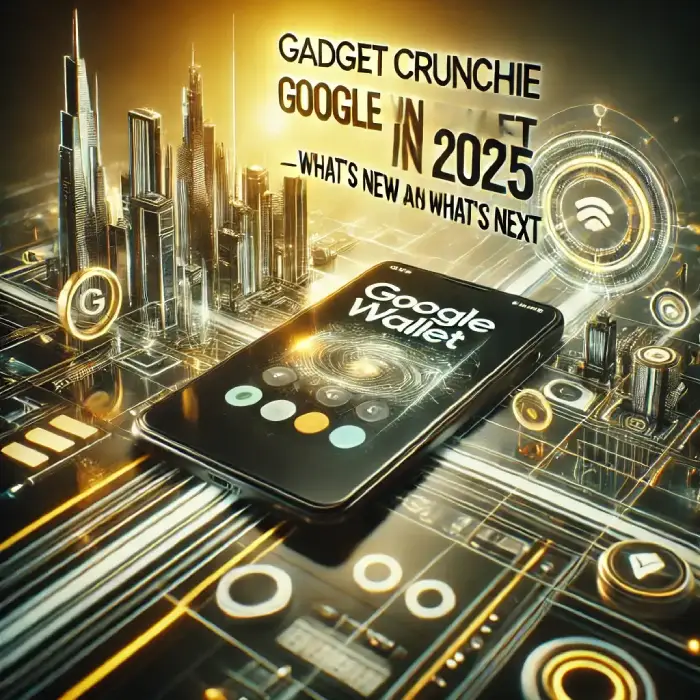
Intro: Hey everyone! As a Web Developer who deals with API integrations and digital security daily, I’ve seen the evolution of fintech firsthand. In the fast-evolving world of digital payments, Google Wallet has emerged as the leading solution, offering a secure and seamless way to manage payments, loyalty cards, tickets, and even government IDs.
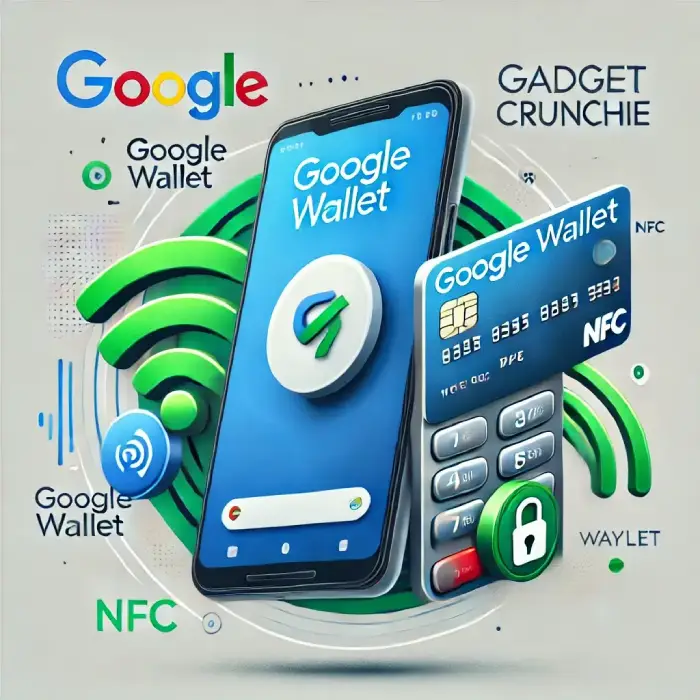
As we move through 2026, Google Wallet is no longer just a “payment app”—it’s a central hub for your digital identity. Whether you are tapping to pay at a local café in Punjab or boarding an international flight to Dubai, this tool has become an essential part of the modern tech stack.
What is Google Wallet? (The 2026 Edition)
Google Wallet is a cross-platform digital wallet developed by Google that allows users to store payment methods, loyalty cards, event tickets, boarding passes, and more in one encrypted app.
While it started as a simple “tap-to-pay” service, in 2026, it has evolved into a comprehensive digital vault. It replaces your physical leather wallet with a secure, all-in-one digital solution that works across your smartphone, smartwatch, and even your web browser.
Google Wallet Features Key Wallet in 2026
1. Advanced Contactless Payments
Google Wallet enables lightning-fast contactless payments using NFC technology. Whether you are using a high-end Android flagship or a budget-friendly wearable, the transaction happens in milliseconds.
Dev Note: As a developer, I appreciate the Tokenization process Google uses. Your actual card number is never shared with the merchant; instead, a unique “token” is used, making it nearly impossible for hackers to steal your data during a transaction.
2. Loyalty, Gift Cards, and Automated Rewards
The latest Google Wallet Features focus on a more unified digital experience. From an AI-powered organization of your receipts to the automatic surfacing of transit passes, these updates make the app much more than a payment tool. The 2026 version specifically introduces a more refined interface that categorizes your spending and loyalty rewards in real-time.
2. Digital Wallet Security: A Developer’s Perspective
When it comes to Digital Wallet Security, Google has set a new benchmark this year. By utilizing advanced tokenization and multi-factor biometric authentication, your financial data is encrypted at a hardware level. As a developer, I highly recommend enabling the “Require Screen Lock” feature for every transaction to ensure the highest level of protection for your assets.
3. Google Wallet vs Apple Pay: The 2026 Comparison
The debate of Google Wallet vs Apple Pay continues in 2026, but Google has taken a lead in cross-platform flexibility. While Apple Pay is restricted to the iOS ecosystem, Google Wallet offers a more open integration with various wearables and web browsers, making it a more versatile choice for users who operate across different devices and operating systems.
4. The Rise of Contactless Payments 2026
The trend of Contactless Payments 2026 is moving toward total cardless independence. With the integration of ultra-wideband (UWB) technology, you can now complete transactions without even taking your phone out of your pocket. This shift ensures that digital transactions are faster, safer, and more convenient than carrying physical plastic cards.
Google has officially rolled out Google Wallet Version 26.10, introducing a sleek Material 3 Expressive Design and AI-powered search features. As detailed in the Google for Developers Release Notes, the minimum requirement for these advanced security features is now Android 9.0 (Pie) or higher.
3. Digital IDs and Driver’s Licenses
In 2026, more countries and US states have authorized Google Wallet to hold Digital Driver’s Licenses and National IDs. This feature uses the “Identity Credential” API to ensure that only the necessary information is shared with authorities.
4. Smart Transit and Boarding Passes
From your daily metro commute to international travel, Google Wallet handles it all. It integrates with Google Maps to show you real-time transit balances and reminds you of gate changes for your flights.
Managing your web infrastructure is easier when you have the right setup. Check out my framework on optimizing backend workflows to see how it integrates with modern APIs for seamless data processing.
Technical Comparison: Google Wallet vs. Traditional Wallets
| Feature | Physical Wallet | Google Wallet (2026) |
| Security | Low (Lost/Stolen) | High (Biometric/Encryption) |
| Space | Bulky | Zero (Stored on Cloud) |
| Speed | Manual (Cash/Card) | Instant (NFC Tap) |
| Organization | Messy | AI-Categorized |
| ID Support | Physical Only | Digital IDs & Passports |
How Google Wallet Is Changing the Game in 2026
AI-Powered Personalization
Google Wallet now uses on-device AI to offer personalized insights. It can suggest which credit card offers the best cashback for a specific store or remind you to use a gift card that is about to expire.
Sustainability & The “Paperless” Initiative
By digitizing millions of physical cards and paper tickets, Google Wallet is a major player in eco-friendly tech. As we focus more on sustainability, reducing plastic waste is a significant benefit.
Smart Strategies for Your Tech Life:
- Can AI predict your health? Explore how Google Preventive Care is changing wellness.
- Want to earn more from your site? Check out our guide to Maximize AdSense Revenue for WordPress.
- Is your physical wallet obsolete? Discover why Google Wallet is the new Digital Identity Hub.
Enhanced Security & AI Fraud Detection
Security is my top priority as a developer. Google Wallet uses:
- Biometric Authentication: Fingerprint or Face ID required for every high-value transaction.
- AI Fraud Detection: Real-time monitoring of suspicious patterns.
- Find My Device Integration: If you lose your phone, you can instantly lock your wallet remotely.
Watch Video: Don’t miss out! Check out my latest YouTube video for in-depth insights and exciting content. Click here to watch ByteScript MZA now!
How to Get Started (The Right Way)
- Download & Update: Ensure you have the latest version from the Play Store.
- Add Your Cards: Use the camera to scan your debit/credit cards.
- Enable Security: Go to settings and enable “Require Screen Lock” for all transactions.
- Sync with Gmail: Allow Google Wallet to automatically pull movie tickets and boarding passes from your emails.
FAQs: Common Questions in 2026
Final Verdict: Should You Go 100% Digital?
In 2026, the answer is a resounding YES. The convenience of having your payments, IDs, and tickets in one secure location is unbeatable. As someone who builds digital platforms for a living, I can confidently say that Google Wallet’s security protocols are now more robust than carrying a physical card.