
Online HTML CSS JS Editor & Tester 2026
Learn Web Engineering Fast
Start writing your live code instantly. No complex setups or installations are required to test your design ideas right now in your web browser.
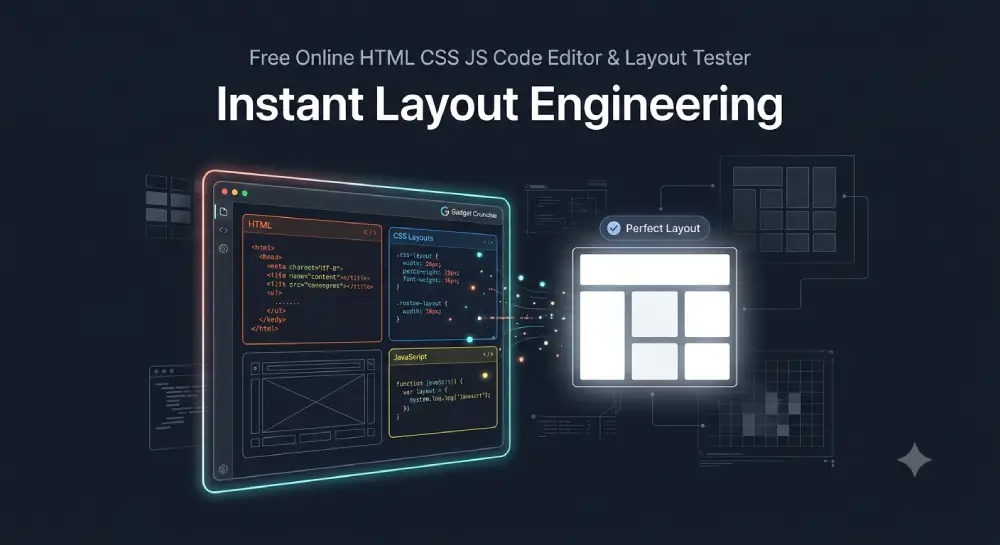
Built for Modern Beginners
This tool provides immediate feedback. As a professional full-stack web developer, I created this free online HTML editor and code tester sandbox to help students practice front-end programming, inspect elements, and run code without dealing with frustrating terminal setups.
Master Web Design with Real-Time Previews
Test HTML Code Instantly
Type your markup inside the orange box. Focus on arranging semantic nodes, organizing nested elements, and maintaining clean block components to create a solid visual architecture.
Render Live CSS Layouts
Move to the blue editor block to control styles. Experiment with grid frameworks, flexbox alignment, typography spacing, and background properties to see your raw concepts look professional.
Debug JavaScript Logic Real-time
Use the yellow container to write custom JavaScript logic. Bind simple click event listeners to buttons to learn how modern interactive software responds to real user actions.
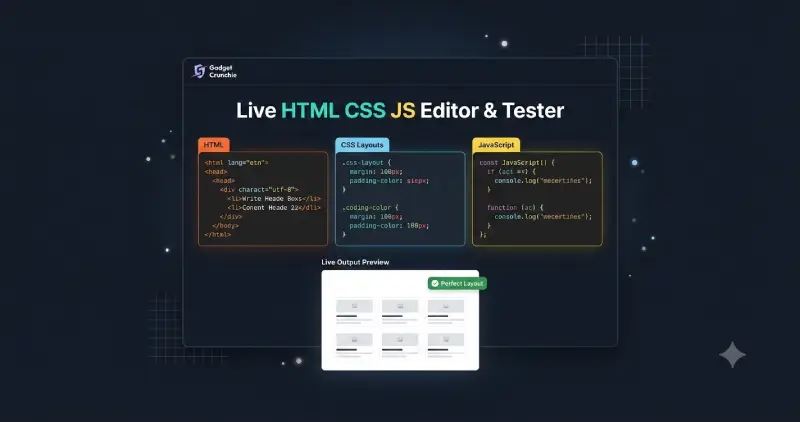
Write and Test Clean Code Seamlessly
Balance Your Closing Elements
Unclosed structural blocks break web viewports easily. Train your technical eyes to ensure that every open tag has a proper matching closing tag to maintain clean trees.
Fix Slips With Debug Console
Keep a close watch on the active warning container above. The built-in validation engine alerts you about bracket mismatches and syntax faults so you can self-correct immediately.
Why Practice on This Sandbox
Keeping Learning Completely Free
This platform removes commercial barriers for coding enthusiasts. Anyone can jump inside this free live HTML compiler, tweak source code files in real-time, and study rendering pipelines without expensive premium software subscriptions.
Zero Latency Performance Strategy
Waiting for loading animations destroys creative coding momentum. This optimized custom framework transforms your source strings in microseconds, ensuring your focus stays entirely on engineering code. Ensure your code complies with the official W3C Web Standards.
Pure Native Standard Architecture
The system avoids heavy external script attachments to remain fast. It uses standard browser runtime processing modules, which guarantee perfect local speed and lightweight execution behavior.
Recommended Resources
- Explore more free developer utilities and tech guides on Gadget Crunchie.
- Want to test advanced frontend structures? Practice building these 10 modern CSS layouts instantly inside this sandbox.
- Since heavy code impacts site speed, check out my updated Core Web Vitals guide to optimize your code for maximum performance.
Developer Tips For Success
Test Structural Modifications Daily
Consistency transforms fresh beginners into expert full-stack engineers. Spend ten minutes twisting presentation rules inside this sandbox daily to build sharp, intuitive layout muscles over time. For official documentation on tags and properties, refer to MDN Web Docs.
Understand Render Engine Logic
Do not fear red warnings on your display panel. Analyzing broken structures is the fastest way to discover how modern web browsers parse dynamic elements behind the scenes.